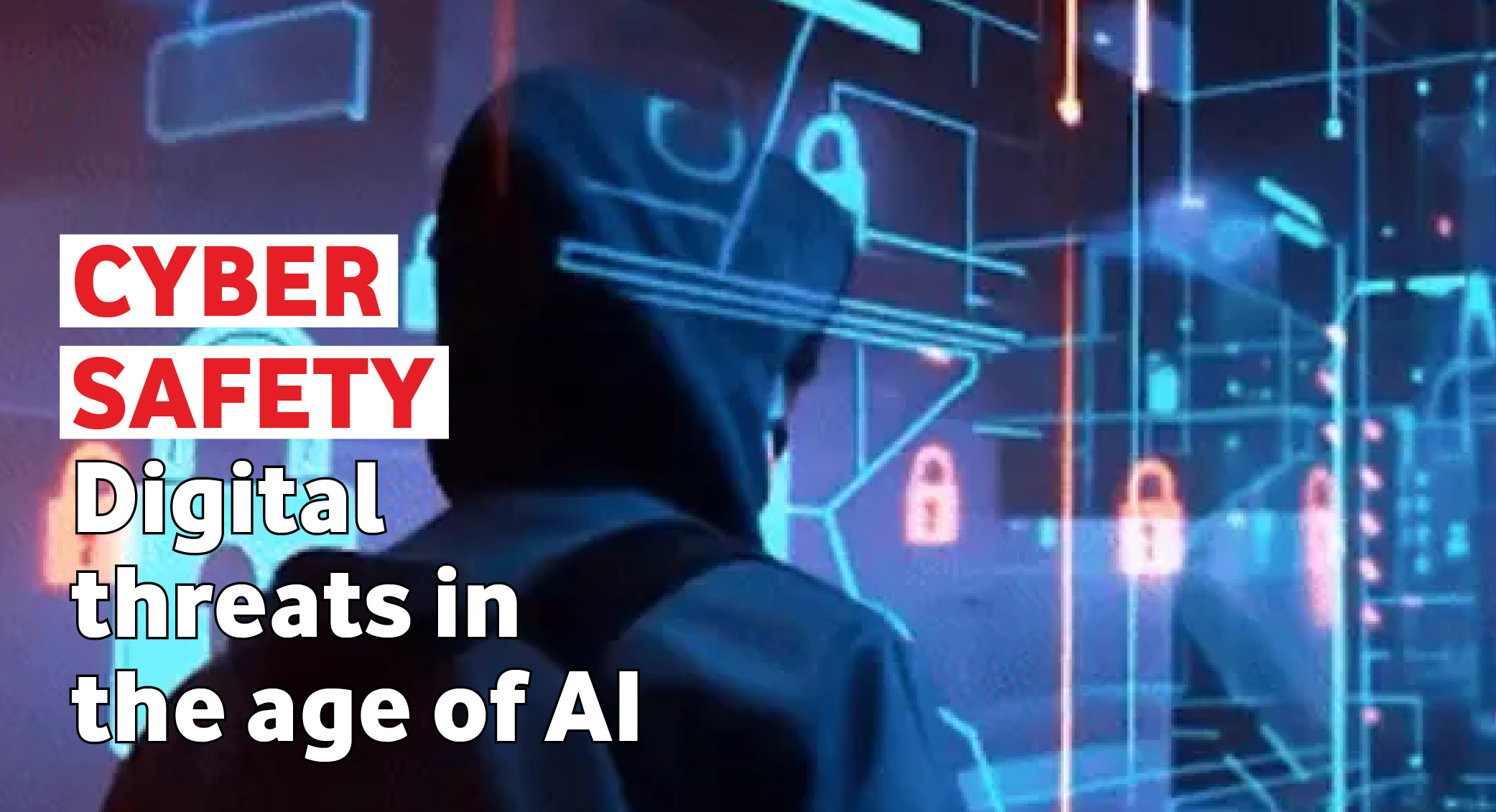
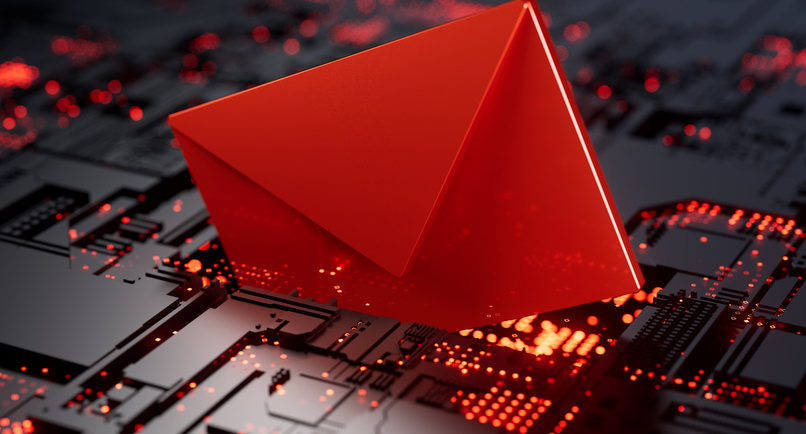
The email looked completely normal. It came from someone she knew and worked with. Attached was a PDF, and inside the PDF was a QR code. She scanned it. And that was all it took.
The heist nobody saw coming
The action unfolded in seconds. The damage took days to contain. And this was no small target: a substantial business that forms part of a publicly listed global holding group*.
On the employee’s phone, the QR code opened what looked like the company’s network login page. She typed in her username and password. The attackers, watching live on their own server, captured every character in plain text.
Then came the next move. A multifactor authentication (MFA) prompt appeared on her phone. She hesitated and dismissed it. Another prompt followed. Then another. Eventually, worn down, she approved it. The attacker was in.
It didn’t stop there. Within moments, an automated rule was written into her Outlook inbox to mark every incoming email as read and move it straight to Deleted Items.
Meanwhile, the attacker scraped her Sent folder and address book for thousands of contacts, renamed the original PDF, and sent the same malicious email to more than 3 000 people. Replies from recipients who were suspicious were never seen: their emails went straight to her Deleted folder.
The threat spread like Covid-19, says the Cape Town-based cybersecurity practitioner who investigated the breach: one person infected, passing it on to others without knowing the danger. Hundreds of recipients scanned the same QR code. Hundreds more sets of credentials were harvested and put up for sale on the dark web, with a batch of corporate logins fetching around $20 000.
All of it was triggered by one legitimate-looking email from someone she already trusted.
Why it worked, and why you are the target
None of this required a sophisticated technical intrusion. No password was guessed, no firewall forced. The attacker needed only a familiar name in an inbox, and the human habit of trusting it. That is social engineering – and why one of today’s most advanced threats isn’t malware, but a well-crafted message to the right person at the right moment.
Hiding a QR code in a PDF is a growing tactic. Email security tools that scan links often can’t read one inside an attachment. Attackers know this and exploit it.
MFA fatigue is engineered just as deliberately, and it preys on irritation and impatience.
Your three-step verify rule for any suspicious request
PAUSE. Don’t act immediately, even if the request feels urgent. Urgency is a manipulation tactic.
SWITCH CHANNELS. Verify by phone, in person or on a number you know – never in the same email thread.
REPORT. If something feels off, click on the Report button in Outlook to notify IT. A false alarm is always better than a breach. Your instinct is a security tool.
This is not an isolated story
Socially engineered cyberattacks are on the rise, even where employees are wary. In 2023, MGM Resorts suffered one of the most expensive attacks on record. Criminals phoned the IT help desk, impersonated an employee and talked their way into the network. The disruption cost an estimated $100 million.
AI is raising the stakes. In 2024, global engineering firm Arup lost $25 million in a single incident. A finance employee queried a transfer request, suspecting a scam. So the criminals set up a video meeting with what appeared to be familiar colleagues and senior executives, all confirming the instruction. Every one of them was an AI-generated deepfake. The money moved across 15 transactions before anyone realised.
The technology is increasingly convincing, but every one of these attacks still depended on a human decision: to scan, to approve, to transfer. That decision point is your most powerful defence.
In 2023, MGM Resorts lost:
$100 million
In 2024, Arup lost:
$25 million
What you can actually do about it
You don’t need to spot a deepfake frame by frame, recognise a cloned login page on sight or have any technical expertise. People who avoid these attacks don’t necessarily have better tools, just better habits – a few simple ones, applied consistently.
Think before you scan. There is almost no legitimate business reason to send a QR code inside a PDF attached to an email. Even if it comes from someone you know, don’t scan it – and don’t reply to the email to query it either. Contact the sender through a separate channel: a phone call, an in-person conversation, or a message to a number you already have.
Treat unexpected MFA prompts as an alarm, not a nuisance. A request you didn’t trigger means someone else is trying to log in as you. Reject it immediately, then report it to IT.
For any urgent request involving money, supplier details or sensitive data, especially by email alone, verify through a separate channel. Call the person on a number you already have, or walk to their desk. Don’t rely on the email thread – it may already be compromised.
The same goes for instant messaging. If a contact on a new number claims to be someone you know and asks you to forward a one-time code, don’t. That code is the key to your account, and once shared, it can’t be taken back.
The human firewall
Cybercriminals are patient, precise and increasingly automated. They study organisations, map relationships and wait for the right moment. What they can’t plan for is an informed, sceptical employee who pauses before clicking, questions what feels off and acts when something doesn’t add up.
The most sophisticated attack in the world might still need a human to say yes.
• October is Cybersecurity Awareness Month. If you receive any suspicious email or other digital message, please report it at phishing@vodafone.com.
* The names of the individual and the company involved have been withheld for security reasons.
Bongi Mbuli, Group Executive Head: Internal Communications, Vodacom Group Sian Singh, Senior Specialist: Internal Communications, Vodacom Group Content contribution: Our thanks to the internal communications teams and representatives from the Vodacom Group of companies One Spirit is edited, designed and published on behalf of Vodacom Group by Media24 (Pty) Ltd
This communication is an internal magazine for employees of the Vodacom Group of companies that is intended solely for use by Vodacom Group employees and authorised representatives. Copyright 2026, Vodacom. All rights reserved. While all precautions have been taken to ensure accuracy of information, neither the editor, publisher nor Media24 can be held liable for any inaccuracies, injury or damage that might occur.
All content, information, artwork and opinions are Classified as C1, as per Cyber Security Restrictions.